12.9.2 answers
Kool: mmmmm
Aine: mmmmmm
Kategooria: Informaatika
Postitatud: 10 november 2025
Postitaja: KorralikHani
Kirjeldus
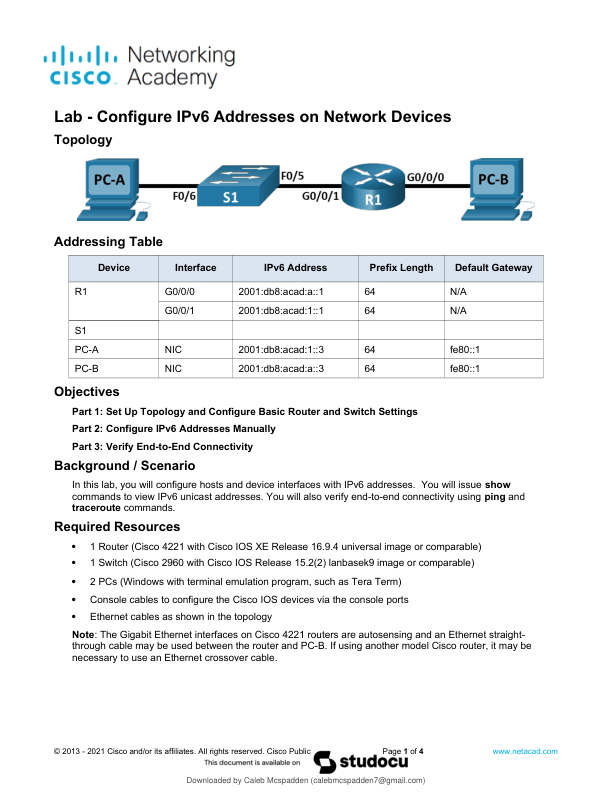
lOMoARcPSD61018669 Lab - Configure IPv6 Addresses on Network Devices Topology Addressing Table Device Interface IPv6 Address Prefix Length Default Gateway R1 G0/0/0 2001db8acada1 64 N/A R1 G0/0/1 2001db8acad11 64 N/A S1 PC-A NIC 2001db8acad13 64 fe801 PC-B NIC 2001db8acada3 64 fe801 Objectives Part 1 Set Up Topology and Configure Basic Router and Switch Settings Part 2 Configure IPv6 Addresses Manually Part 3 Verify End-to-End Connectivity Background / Scenario In this lab you will configure hosts and device interfaces with IPv6 addresses. You will issue show commands to view IPv6 unicast addresses. You will also verify end-to-end connectivity using ping and traceroute commands. Required Resources 1 Router (Cisco 4221 with Cisco IOS XE Release 16.9.4 universal image or comparable) 1 Switch (Cisco 2960 with Cisco IOS Release 15.2(2) lanbasek9 image or comparable) 2 PCs (Windows with terminal emulation program such as Tera Term) Console cables to configure the Cisco IOS devices via …